


- Photos
Scan-to-CAD Software
Essential Tools
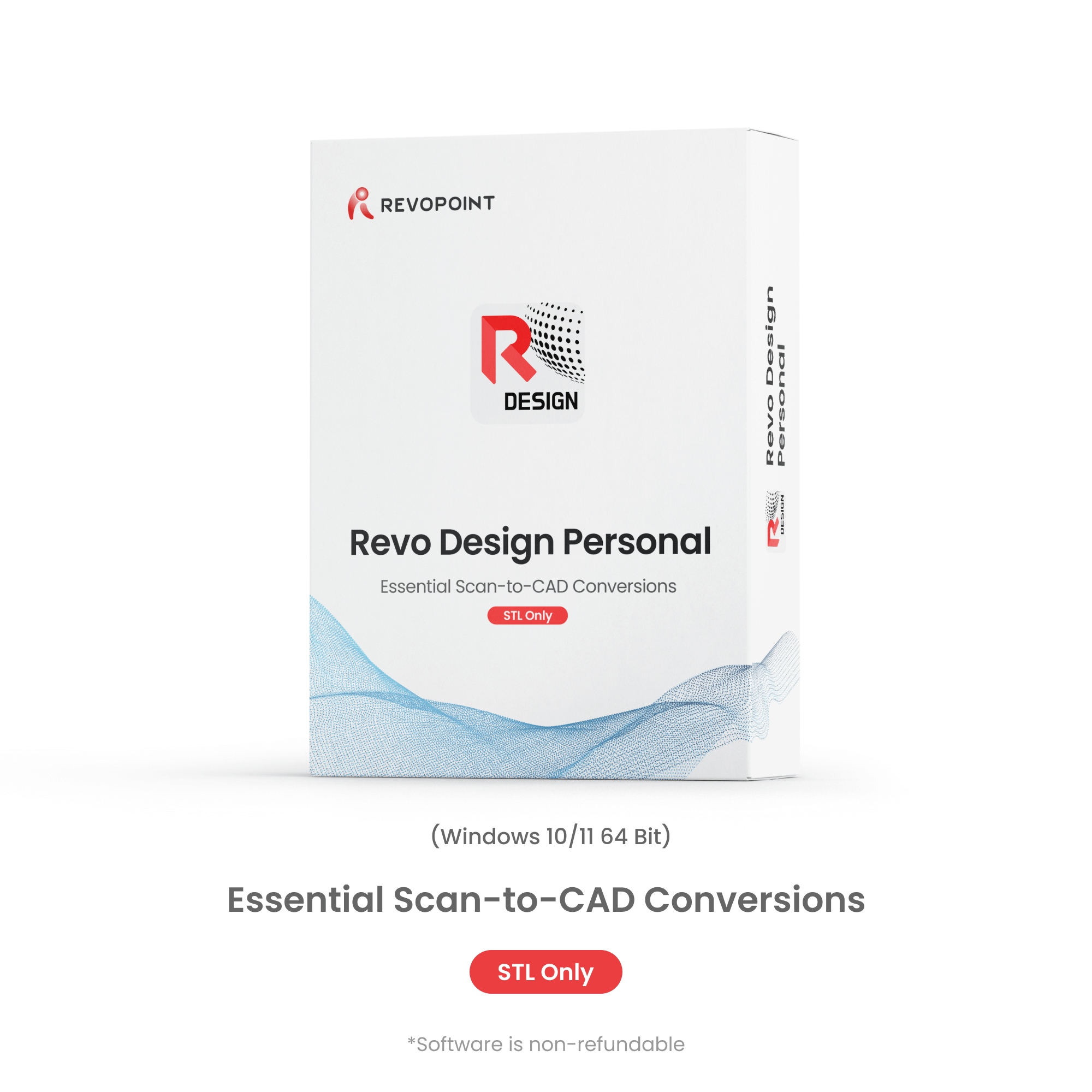
Revo Design Personal - Essential CAD Software for 3D Printing
🎁This discount code is exclusive to existing 3D scanner customers.


📩 Activation code is sent via email after purchase. 📬
❗Note: Revo Design Personal offers reverse engineering workflows for personal projects.
 Revo Design
 Revo Design Personal
En règle générale, la livraison est gratuite pour la plupart des scanners 3D, avec une réception rapide sous 3 à 5 jours ouvrables. Les logiciels ne sont pas remboursables et sont livrés rapidement par voie numérique par e-mail.


Key Features
Smooth Workflow
Integration
Powerful Mesh
Editing
Primitives
Extraction
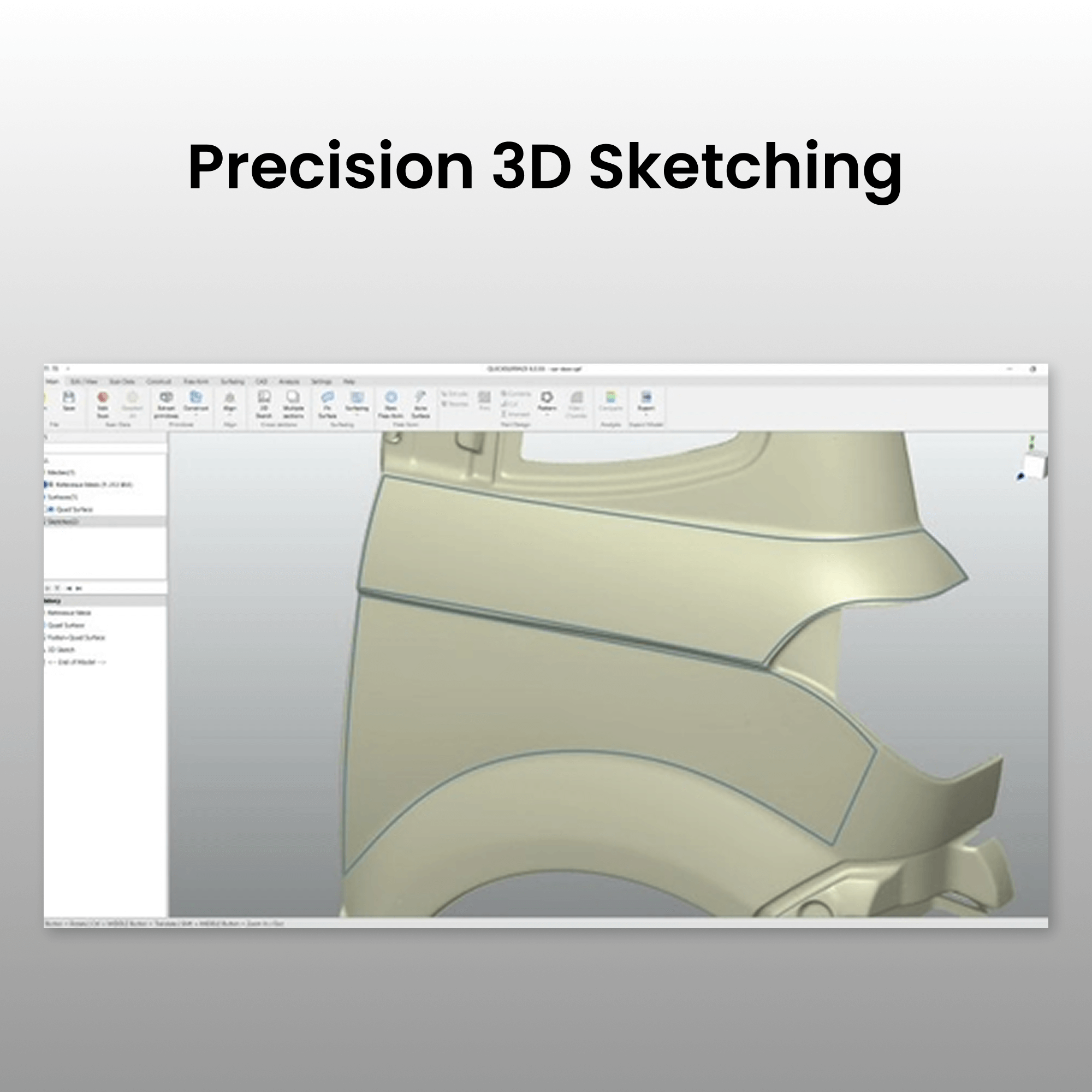
Precision 3D
Sketching
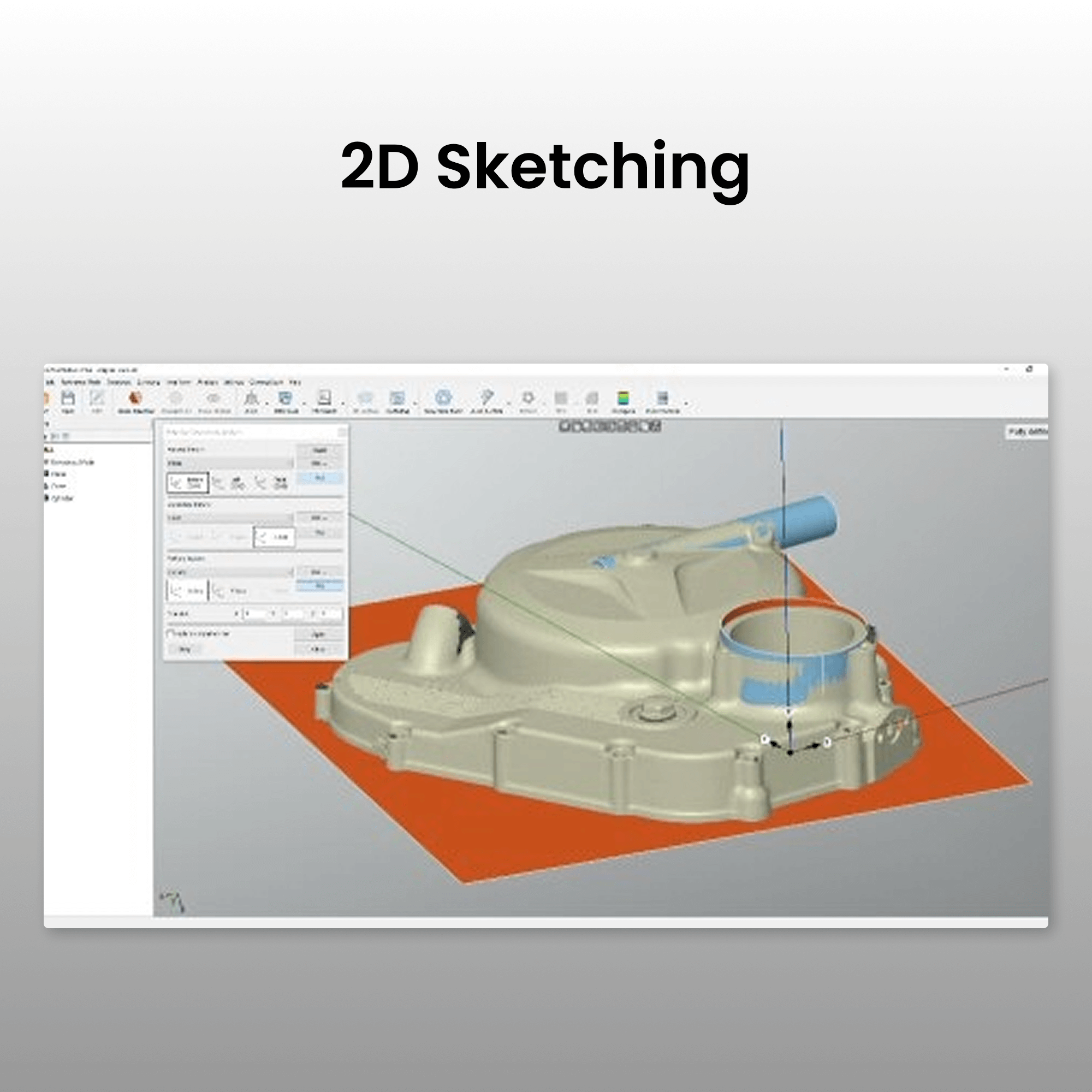
2D Sketching
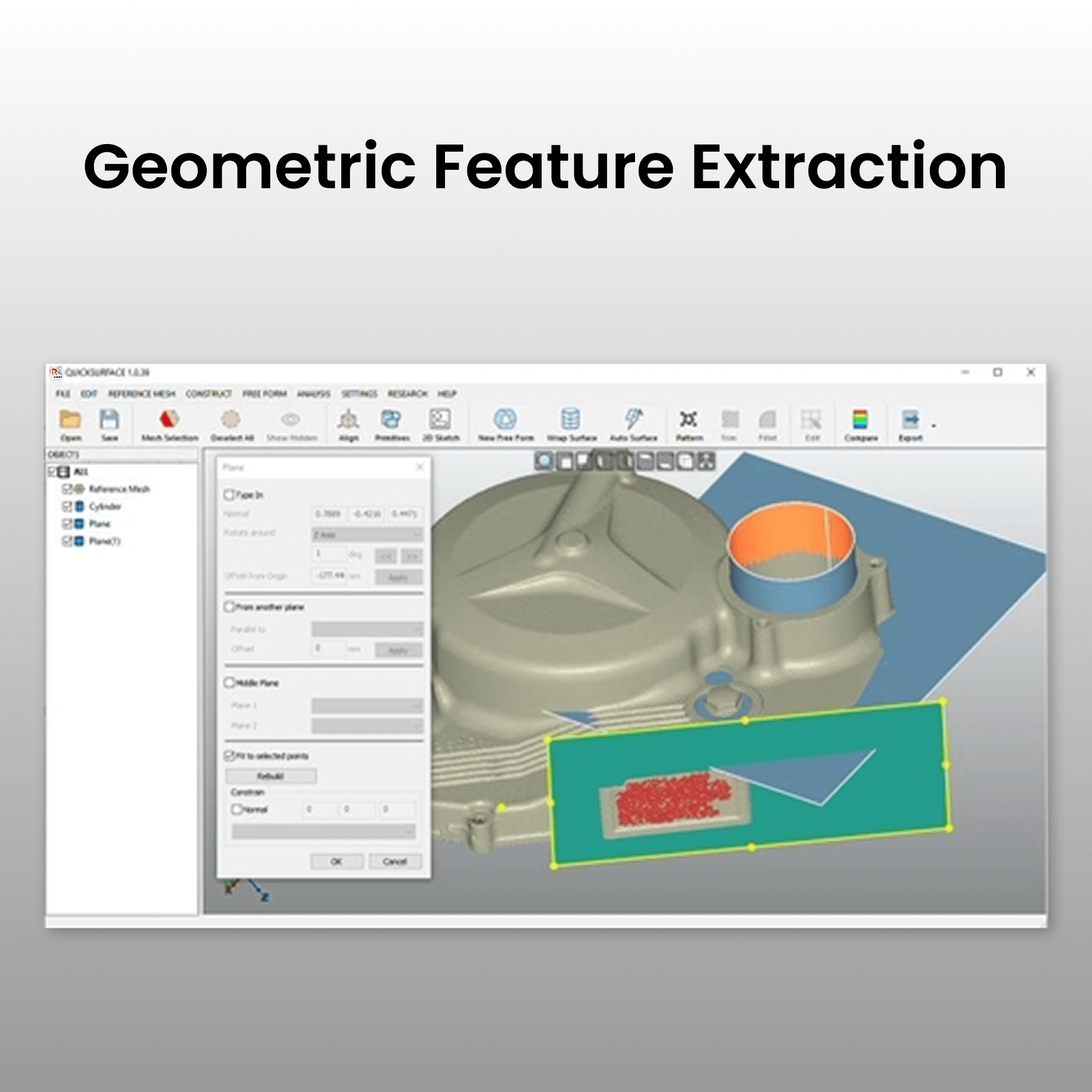
Geometric Feature
Extraction
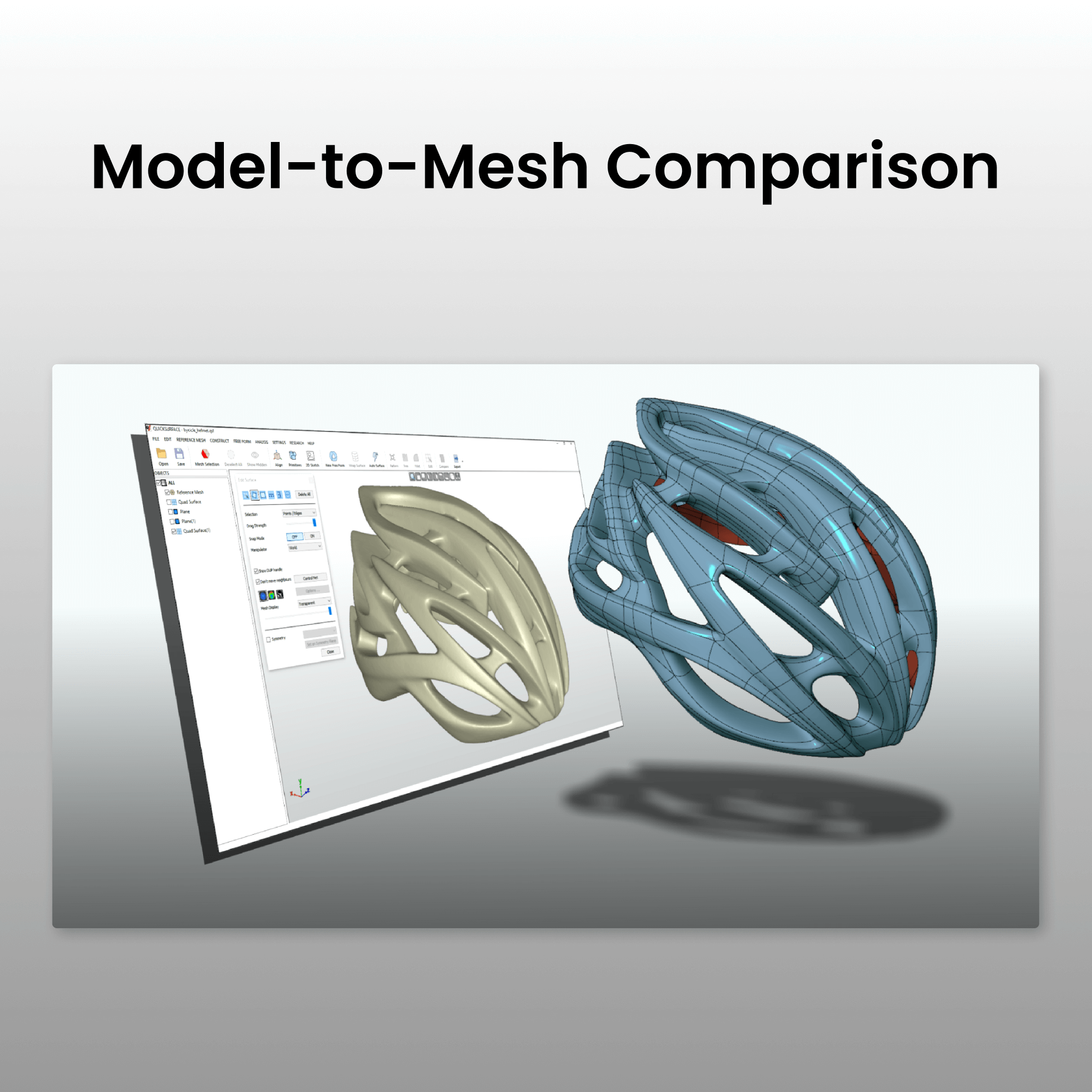
Model-to-Mesh
Comparison
Export in
STL Format
Simplify Your 3D Scan-to-CAD Workflow

Revo Design Personal offers reverse engineering workflows for non-commercial projects. This scan-to-CAD solution integrates with Revopoint scanners through one-click mesh transfer, offering advanced comparison and deviation tools for accurate CAD model conversion used in reverse engineering, 3D printing, and industrial design.
Bridging 3D Scanning and Manufacturing
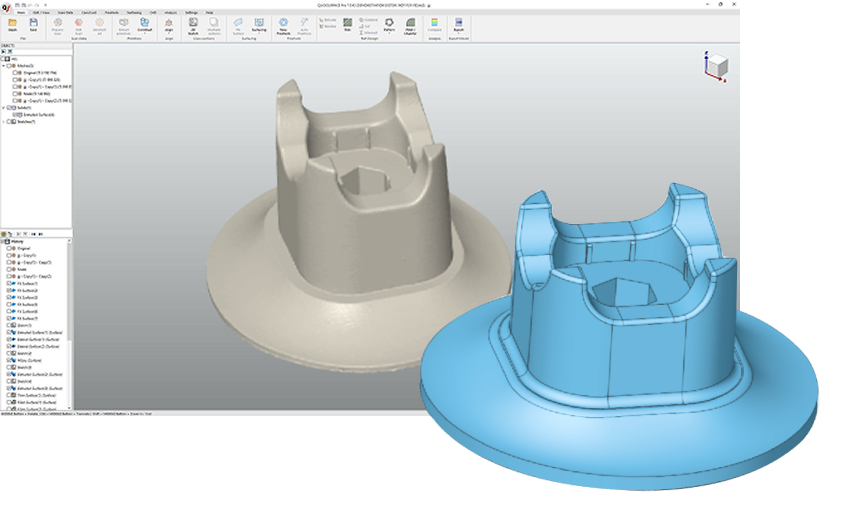
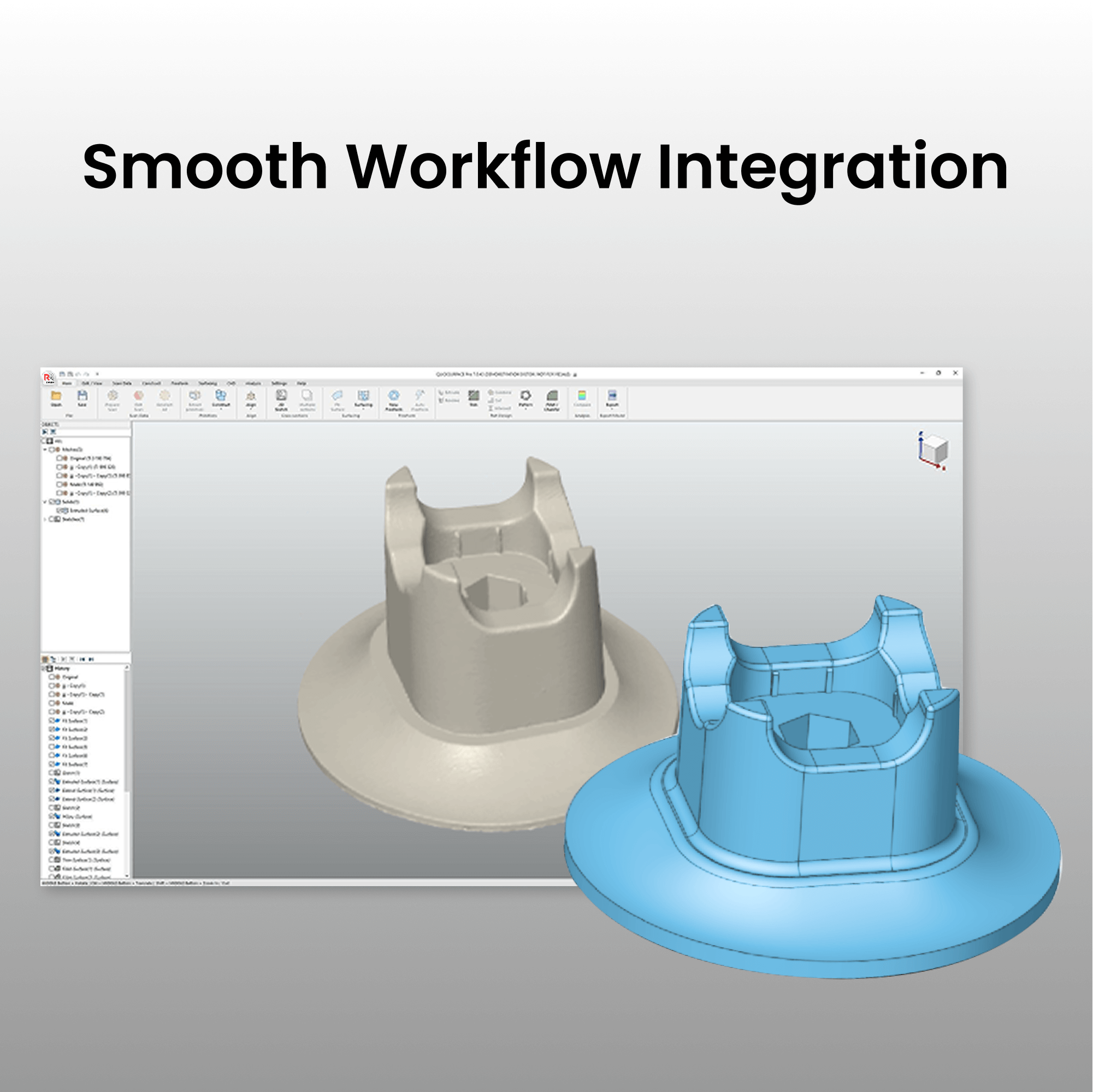
Smooth Workflow Integration
Revo Design Personal seamlessly integrates with Revopoint scanning software. After scanning, transfer your mesh data with a single click to Revo Design Personal for a frictionless workflow.
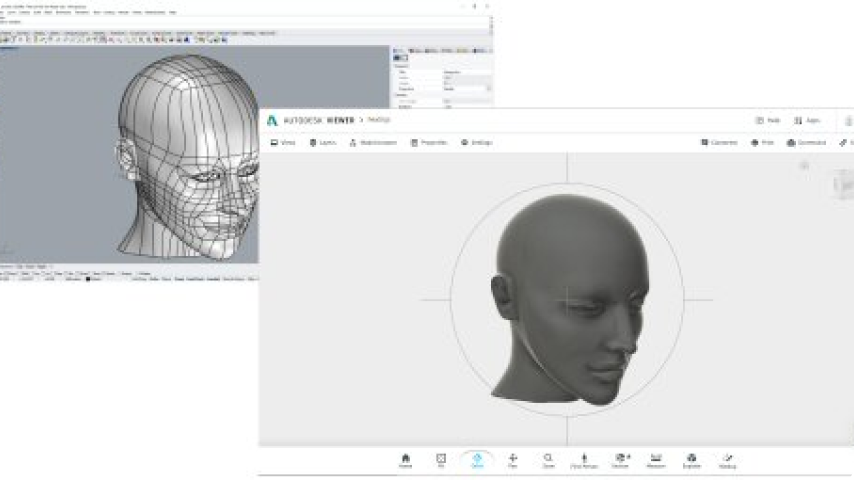
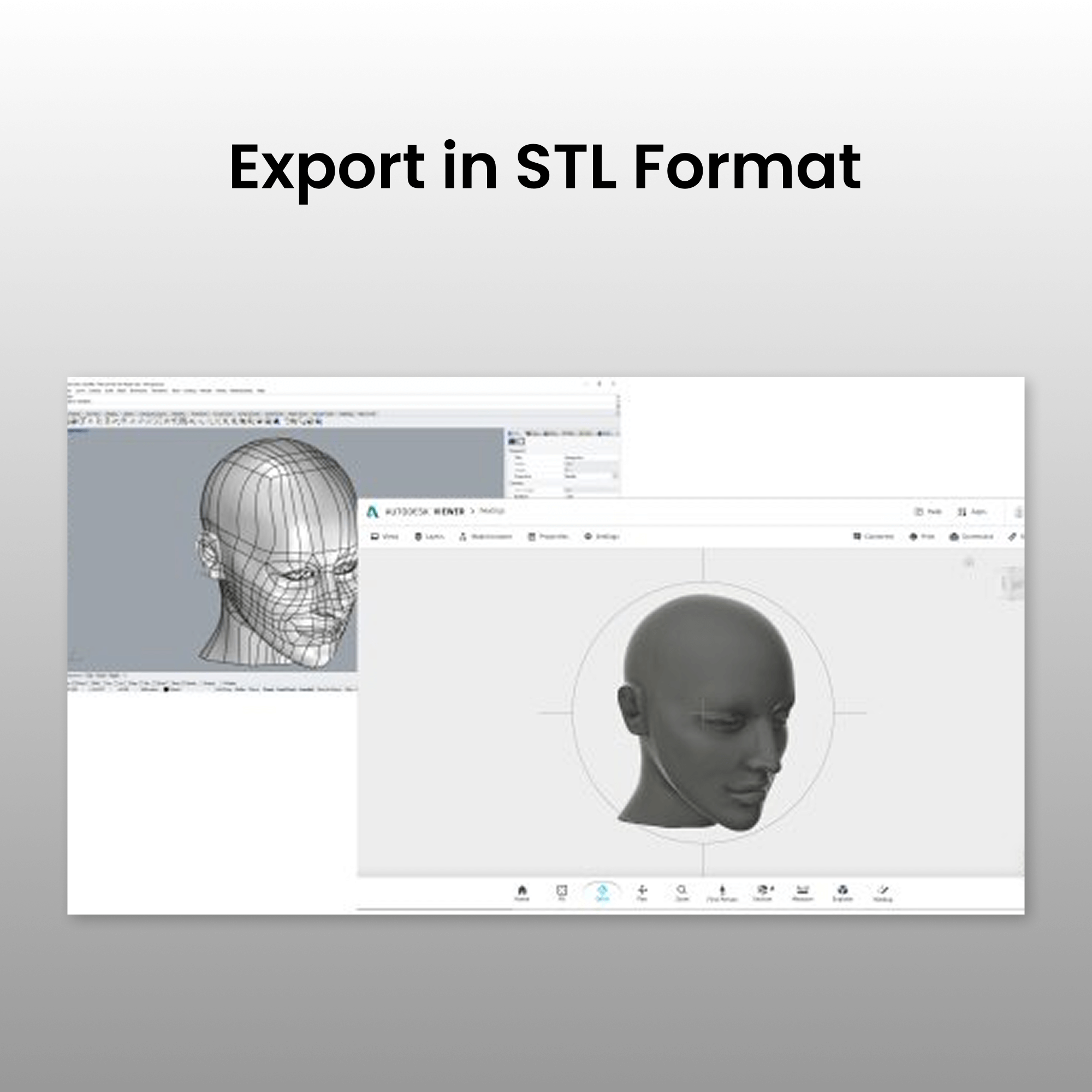
Only Supports Exporting in STL Format
Export your converted CAD models in STL format to ensure compatibility with various applications and workflows. The versatile export options make it simple to incorporate your designs into 3D printing, CAD software, or manufacturing processes while preserving model accuracy and integrity.
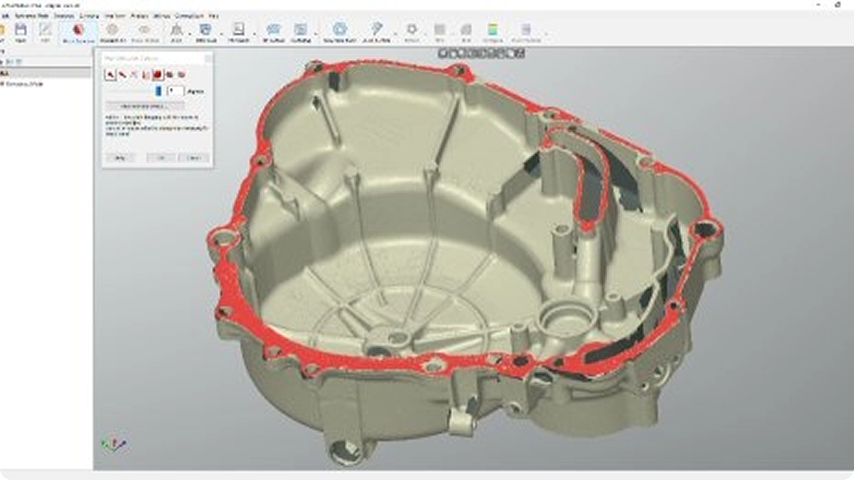
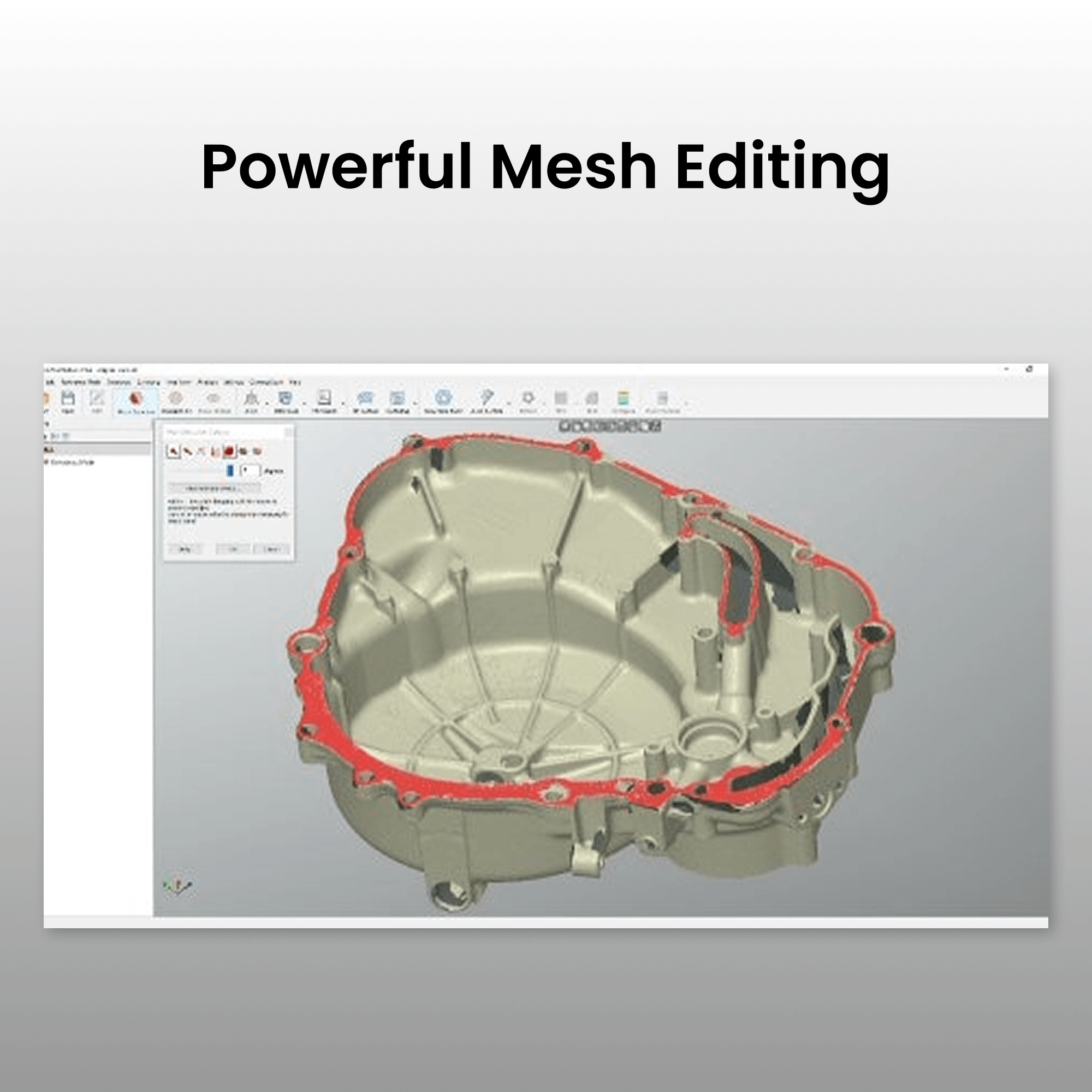
Powerful Mesh Editing
Efficiently edit meshes with a suite of editing tools that make it easy to reduce data size while maintaining accuracy. You can fill holes and remove outliers to create watertight meshes for 3D printing or reverse engineering.
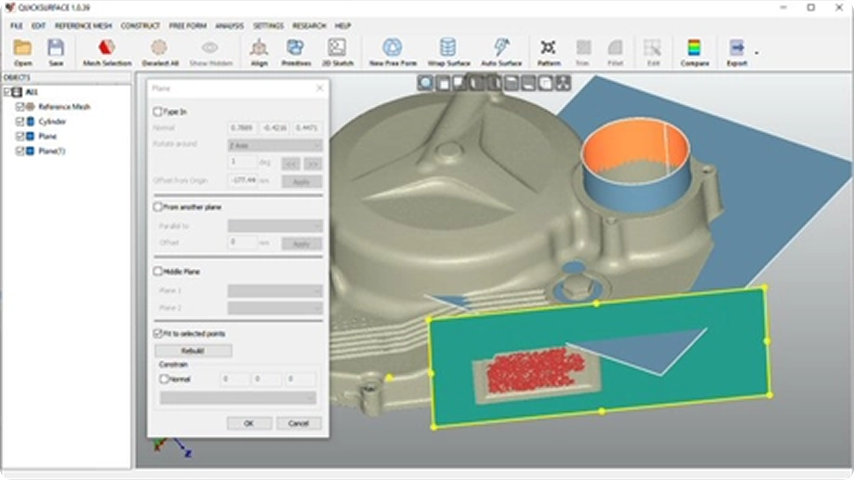
Geometric Feature Extraction
Quickly reconstructs planes, cylinders, cones, and spheres, and creates reference geometries like lines and points for aligning meshes to the world coordinate system or other scans.
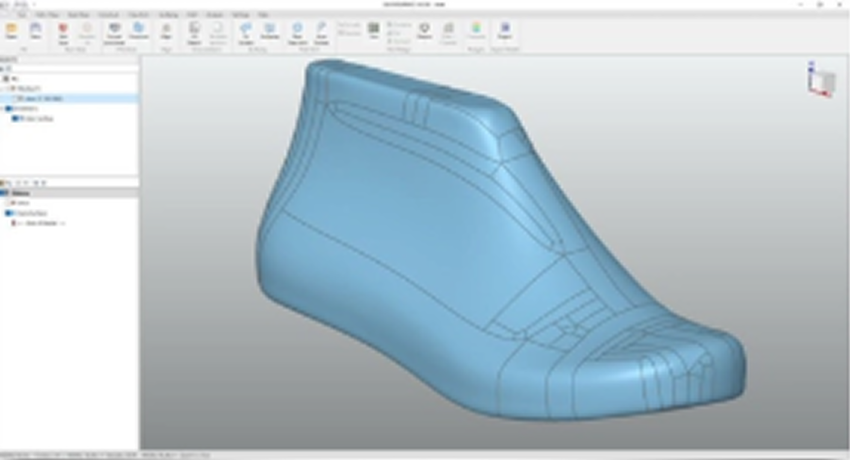
Freeform Surface Creation
Draw freeform curves on the reference mesh to create blended curves, filled surfaces, free forms from 3D sketches, or other surface manipulations. You can also generate bounded surfaces from 3D sketches for better reference data.
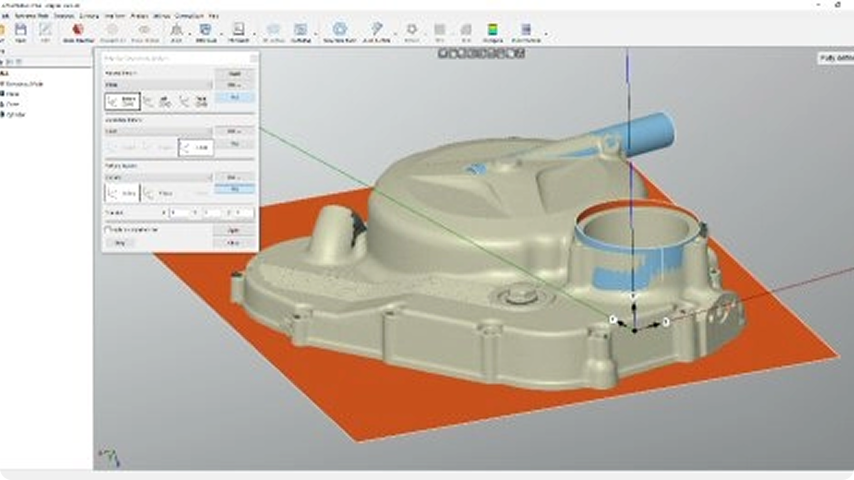
Precision 2D Sketching
Create accurate sketches with the dimensioning and constraint tools. Interactive cutting extracts reference points from world planes, CAD planes, or curved surfaces, supporting multi-surface cuts for faster sketch creation and alignment.
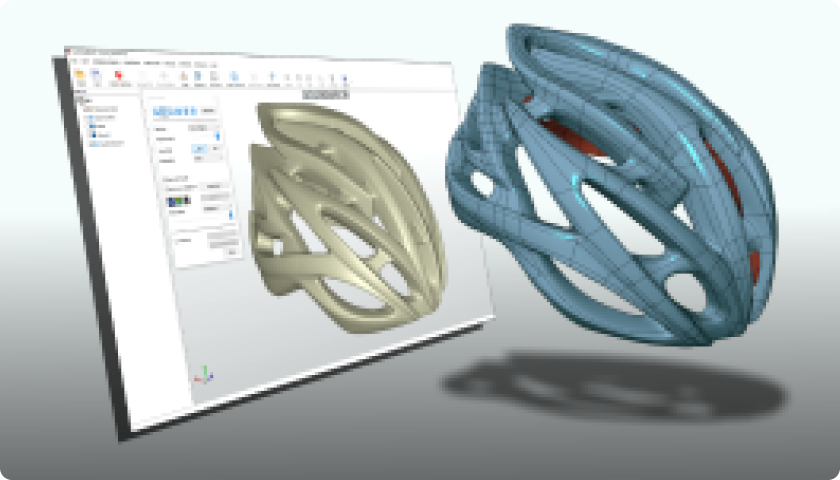
Model-to-Mesh Comparison
Create features based on the mesh, then compare and analyze to see errors between the new model and the scanned mesh. Custom tolerance values can be adjusted dynamically for precise error control, ensuring the model meets specifications.
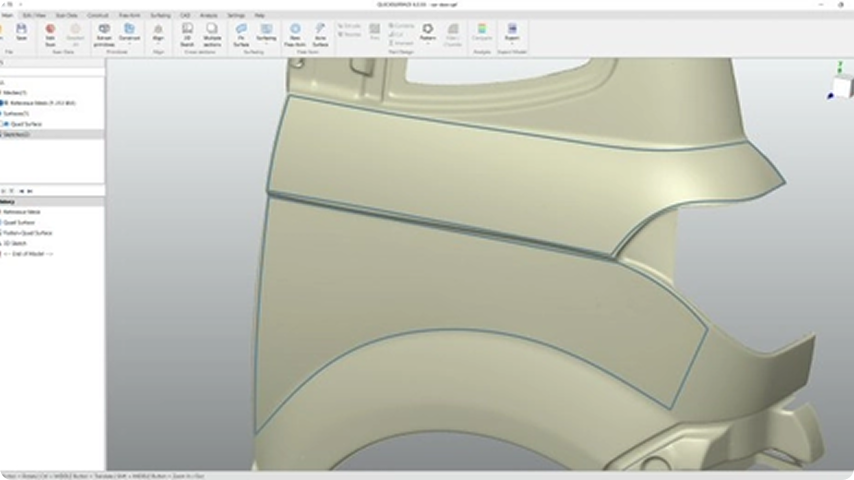
3D Sketching Tools
Create precise 3D sketches with intuitive drawing tools that let you design complex geometries directly on mesh surfaces. You can generate reference curves and construct bounded surfaces from sketches, providing essential foundation data for accurate CAD model development and surface reconstruction.
Comparison
| Comparaison des produits | Revo Design Personal | Revo Design Pro |
|---|---|---|
| ENTRÉE DE DONNÉES | ||
| Importer des maillages STL, OBJ, PLY | ✓ | ✓ |
| Importer des fichiers CAO | ✗ | ✓ |
| TRAITEMENT DES DONNÉES DE SCAN | ||
| Éditer le maillage | ✓ | ✓ |
| Simplifier / Lisser le maillage / Dérouler | ✗ | ✓ |
| Tronquer avec des primitives géométriques | ✓ | ✓ |
| Réduire les polygones / Réduire le bruit | ✓ | ✓ |
| Aligner par repère / Alignement interactif | ✓ | ✓ |
| Par N-points / Alignement fin / Alignement global fin | ✗ | ✓ |
| EXTRACTION DE PRIMITIVES | ||
| Segmentation automatique | ✗ | ✓ |
| Ajustement de primitives / Analyse / Construction de primitives | ✓ | ✓ |
| MODÉLISATION FREE-FORM | ||
| Free-form manuel | ✓ | ✓ |
| Free-form automatique | ✗ | ✓ |
| Épaissir / Envelopper la surface | ✓ | ✓ |
| SURFAÇAGE | ||
| Ajustement de surface | ✓ | ✓ |
| Esquisse 3D | ✓ | ✓ |
| Lissage / Surface de raccordement | ✓ | ✓ |
| Remplir la surface / Prolonger la surface | ✓ | ✓ |
| Tuyau / Balayage | ✓ | ✓ |
| Épaissir / Décaler / Coudre les surfaces | ✓ | ✓ |
| Aplatir | ✗ | ✓ |
| CAO | ||
| Esquisse 2D | ✓ | ✓ |
| Sections multiples | ✗ | ✓ |
| Extrusion / Révolution / Troncature | ✓ | ✓ |
| Troncature automatique | ✗ | ✓ |
| Combiner / Couper / Intersection | ✓ | ✓ |
| Repétition circulaire / linéaire / Miroir | ✓ | ✓ |
| Coque / Dépouille / Déplacer le solide / Déplacer la face / Supprimer des faces | ✓ | ✓ |
| Congé constant et variable / Chanfrein | ✓ | ✓ |
| Congé (3 faces) | ✗ | ✓ |
| ESQUISSE 2D | ||
| Extraire des primitives (meilleur ajustement) / Entités manuelles | ✓ | ✓ |
| Esquisse automatique | ✗ | ✓ |
| Cotes / Contraintes | ✓ | ✓ |
| ANALYSE | ||
| Mesurer | ✓ | ✓ |
| Zébrures / Mappage environnemental / Capture vers presse-papiers | ✓ | ✓ |
| Analyse de dépouille | ✗ | ✓ |
| Comparer avec CAO | ✓ | ✓ |
| EXPORT | ||
| Données de scan | ✓ | ✓ |
| STEP/IGES/PARASOLID | ✗ | ✓ |
| CAO en STL | ✓ | ✓ |
| Utilisation commerciale | ✗ | ✓ |
Go Professional with Revo Design Pro

FAQ
1. Who is Revo Design Personal suitable for?
Revo Design Personal is intended for individual users who want to explore professional reverse-engineering workflows for personal, non-commercial projects. It's perfect for technically skilled hobbyists, makers, engineers, and educators working on their own 3D printing, restoration, or design projects.
2. Can I use Revo Design Personal for commercial projects?
No. Revo Design Personal is licensed for personal, non-commercial use only. You may not use the software or its outputs for commercial purposes, including but not limited to:
Selling, distributing, or providing paid services using the software, or incorporating results into commercial products.
3. What's the difference between Revo Design Pro and Revo Design Personal?
Refer to the comparison table on the product page.
4. How is Revo Design Personal delivered?
The software is delivered electronically. No physical product will be shipped. You will receive an email with a license key to activate Revo Design Personal.
5、What are Revo design Personal's PC requirements?
Minimum Requirements: Laptop or PC with Windows 10 (64 Bit version)
CPU: Intel i5 or higher (or equivalent)
RAM: 16 GB
HDD: 256 GB
Graphics Card: Dedicated graphics card 一 NVIDIA or AMD
Once activated, we recommend an internet connection to allow automatic software updates. (Not mandatory, it's your choice)
6. Can I request a refund after placing an order for the software?
No refunds/exchanges are allowed after the software has been ordered.
7. Can I share or transfer my license?
No. The license is personal and non-transferable. Sharing, distributing, or providing access to any third party is strictly prohibited.
8. How long is the license valid?
The Revo Design Personal license is valid for one year and can be renewed at any time.
9. Can I log into Revo Design Personal across multiple devices simultaneously after purchasing the software?
No. Your Revo Design Personal account can only be logged into by one device at a time.