


Key Features
Smooth Workflow
Integration
Powerful Mesh
Editing
Primitives
Extraction
Precision 3D
Sketching
2D Sketching
Geometric Feature
Extraction
Model-to-Mesh
Comparison
Export in
STL Format
Simplify Your 3D Scan-to-CAD Workflow

Revo Design Personal offers reverse engineering workflows for non-commercial projects. This scan-to-CAD solution integrates with Revopoint scanners through one-click mesh transfer, offering advanced comparison and deviation tools for accurate CAD model conversion used in reverse engineering, 3D printing, and industrial design.
Bridging 3D Scanning and Manufacturing
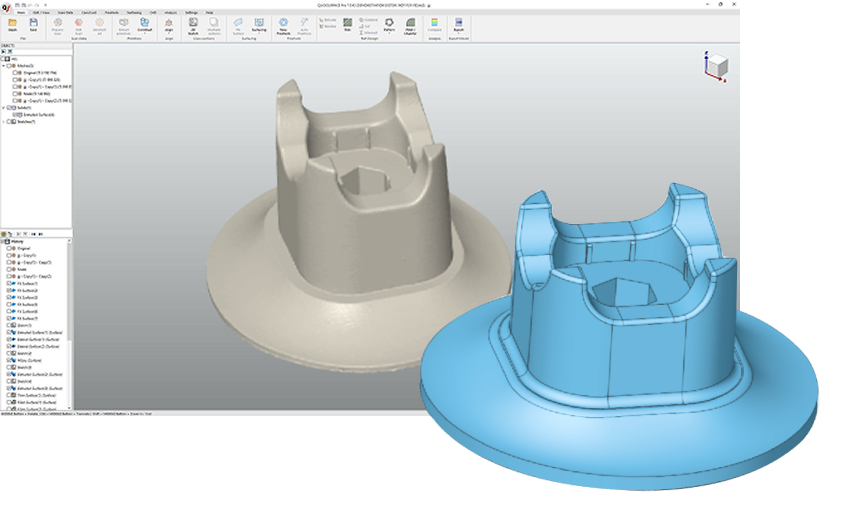
Smooth Workflow Integration
Revo Design Personal seamlessly integrates with Revopoint scanning software. After scanning, transfer your mesh data with a single click to Revo Design Personal for a frictionless workflow.
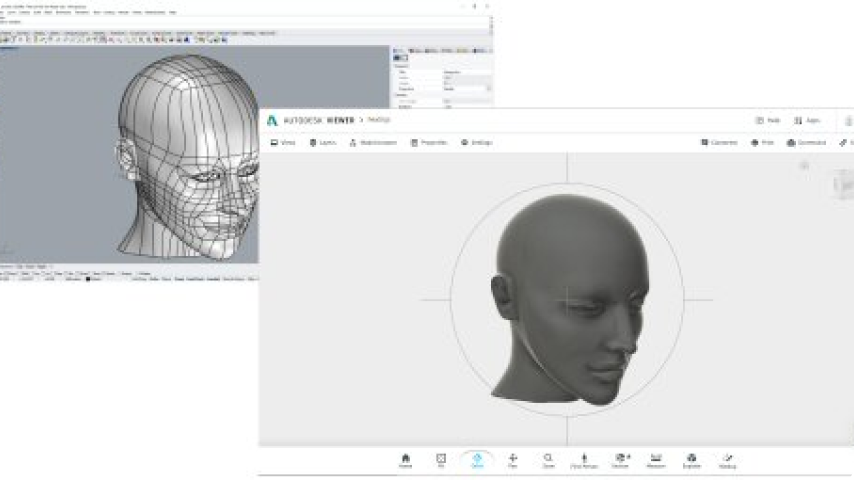
Only Supports Exporting in STL Format
Export your converted CAD models in STL format to ensure compatibility with various applications and workflows. The versatile export options make it simple to incorporate your designs into 3D printing, CAD software, or manufacturing processes while preserving model accuracy and integrity.
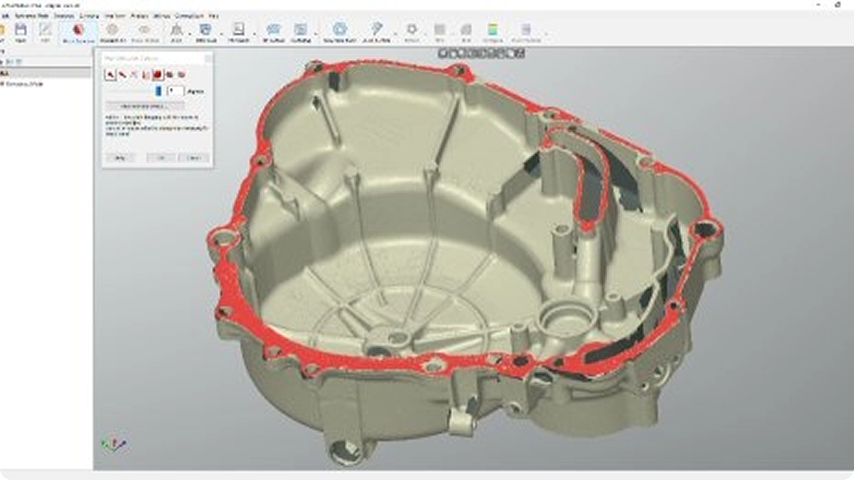
Powerful Mesh Editing
Efficiently edit meshes with a suite of editing tools that make it easy to reduce data size while maintaining accuracy. You can fill holes and remove outliers to create watertight meshes for 3D printing or reverse engineering.
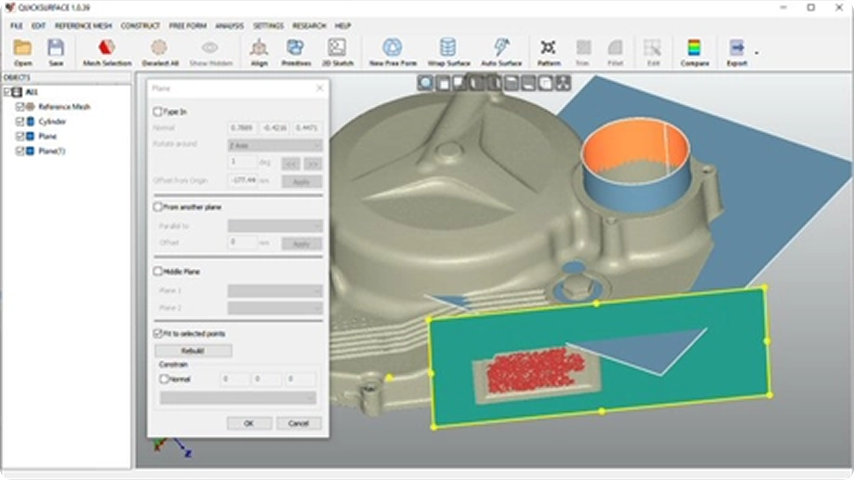
Geometric Feature Extraction
Quickly reconstructs planes, cylinders, cones, and spheres, and creates reference geometries like lines and points for aligning meshes to the world coordinate system or other scans.
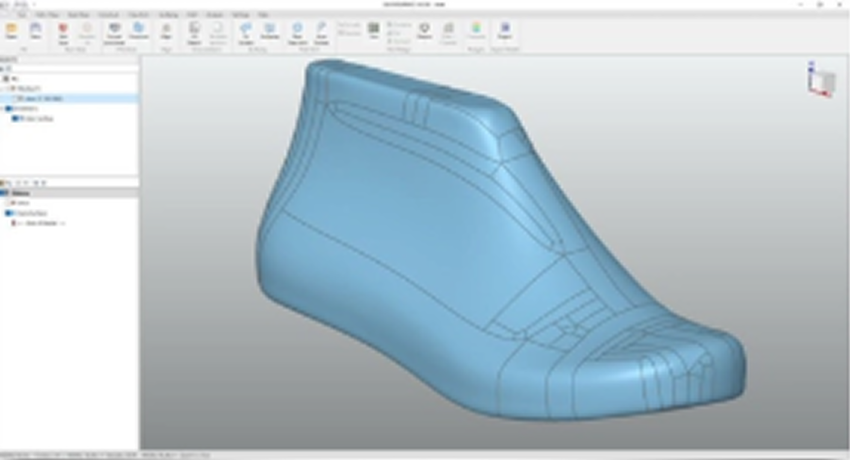
Freeform Surface Creation
Draw freeform curves on the reference mesh to create blended curves, filled surfaces, free forms from 3D sketches, or other surface manipulations. You can also generate bounded surfaces from 3D sketches for better reference data.
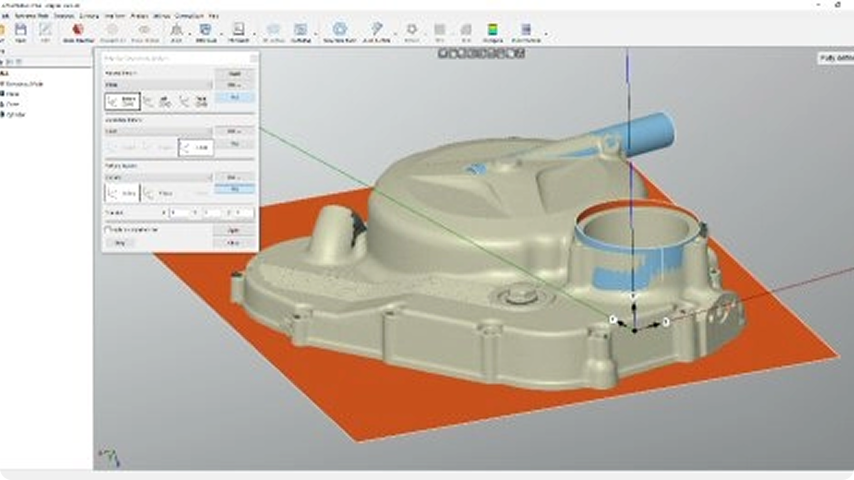
Precision 2D Sketching
Create accurate sketches with the dimensioning and constraint tools. Interactive cutting extracts reference points from world planes, CAD planes, or curved surfaces, supporting multi-surface cuts for faster sketch creation and alignment.
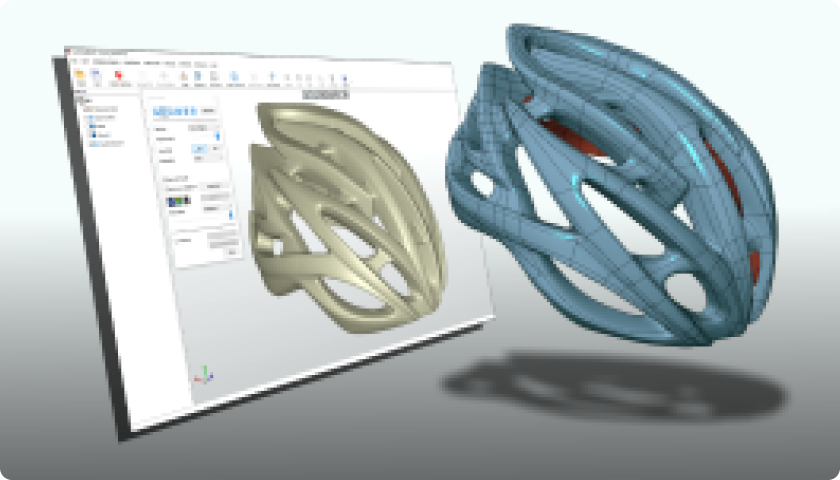
Model-to-Mesh Comparison
Create features based on the mesh, then compare and analyze to see errors between the new model and the scanned mesh. Custom tolerance values can be adjusted dynamically for precise error control, ensuring the model meets specifications.
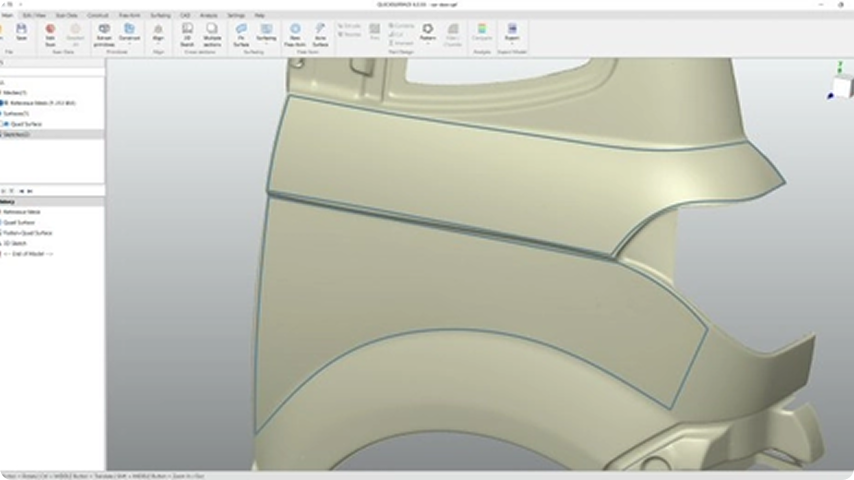
3D Sketching Tools
Create precise 3D sketches with intuitive drawing tools that let you design complex geometries directly on mesh surfaces. You can generate reference curves and construct bounded surfaces from sketches, providing essential foundation data for accurate CAD model development and surface reconstruction.
Comparison
| Produktvergleich | Revo Design Personal | Revo Design Pro |
|---|---|---|
| EINGABE | ||
| STL-, OBJ-, PLY-Netze importieren | ✓ | ✓ |
| CAD-Datei importieren | ✗ | ✓ |
| SCANDATEN | ||
| Netz bearbeiten | ✓ | ✓ |
| Merkmale entfernen / Netz mitteln / Abwickeln | ✗ | ✓ |
| Mit geometrischen Grundkörpern beschneiden | ✓ | ✓ |
| Polygone reduzieren / Rauschen reduzieren | ✓ | ✓ |
| Skalieren / Normalen umkehren / Neu vernetzen / Spiegeln | ✓ | ✓ |
| Ausrichten nach Koordinatensystem / Interaktiv ausrichten | ✓ | ✓ |
| Nach N-Punkten / Feinjustierung / Globale Feinjustierung | ✗ | ✓ |
| GRUNDKÖRPER EXTRAHIEREN | ||
| Automatische Segmentierung | ✗ | ✓ |
| Grundkörper anpassen / Analysieren / Grundkörper konstruieren | ✓ | ✓ |
| FREIFORM | ||
| Manuelle Freiform | ✓ | ✓ |
| Automatische Freiform | ✗ | ✓ |
| Aus 3D-Skizze / Aus Quad-OBJ | ✗ | ✓ |
| Verdicken / Oberfläche umhüllen | ✓ | ✓ |
| OBERFLÄCHENGENERIERUNG | ||
| Oberfläche anpassen | ✓ | ✓ |
| 3D-Skizze | ✓ | ✓ |
| Loft / Oberflächenglättung | ✓ | ✓ |
| Oberfläche füllen / Oberfläche erweitern | ✓ | ✓ |
| Abgerollte Skizze / Helix | ✗ | ✓ |
| Rohr / Sweep | ✓ | ✓ |
| Verdicken / Versatz / Oberflächen vernähen | ✓ | ✓ |
| Abflachen | ✗ | ✓ |
| CAD | ||
| 2D-Skizze | ✓ | ✓ |
| mehrere Abschnitte | ✗ | ✓ |
| Extrudieren / Rotieren / Trimmen | ✓ | ✓ |
| Automatisches Trimmen | ✗ | ✓ |
| Kombinieren / Schneiden / Schnittmenge | ✓ | ✓ |
| Kreismuster / Lineares Muster / Spiegeln | ✓ | ✓ |
| Hülle / Entwurf / Körper bewegen / Fläche verschieben / Flächen löschen | ✓ | ✓ |
| Konstante und variable Verrundung / Fase | ✓ | ✓ |
| Verrundung (3 Flächen) | ✗ | ✓ |
| 2D-SKIZZE | ||
| Grundkörper extrahieren (beste Anpassung) / Manuelle Elemente | ✓ | ✓ |
| Automatische Skizze | ✗ | ✓ |
| Bemaßungen / Einschränkungen | ✓ | ✓ |
| 2D-Skizze als IGES/DXF exportieren | ✗ | ✓ |
| ANALYSE | ||
| Messen | ✓ | ✓ |
| Zebra / Umgebungsabbild / Schnappschuss in Zwischenablage | ✓ | ✓ |
| Entwurfsanalyse | ✗ | ✓ |
| Mit CAD vergleichen | ✓ | ✓ |
| Mit anderen Netzen vergleichen | ✗ | ✓ |
| EXPORT | ||
| Scandaten | ✓ | ✓ |
| STEP/IGES/PARASOLID | ✗ | ✓ |
| CAD als STL | ✓ | ✓ |
| Kommerzielle Nutzung | ✗ | ✓ |
Professional Applications
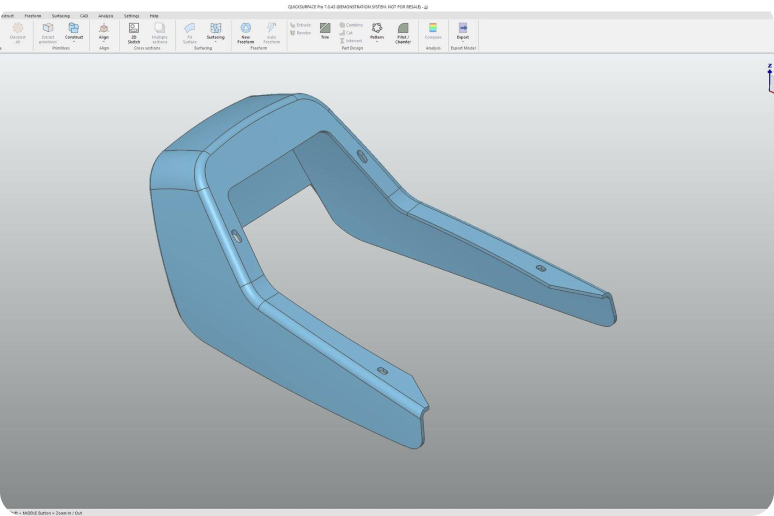
Reverse Engineering
With powerful tools for mesh healing, surface fitting, and parametric modeling, Revo Design makes it simple to turn complex scan data into CAD-ready geometry. Whether you're re-creating legacy parts, modifying existing components, or developing new products from physical prototypes, Revo Design offers a streamlined workflow from mesh to model.
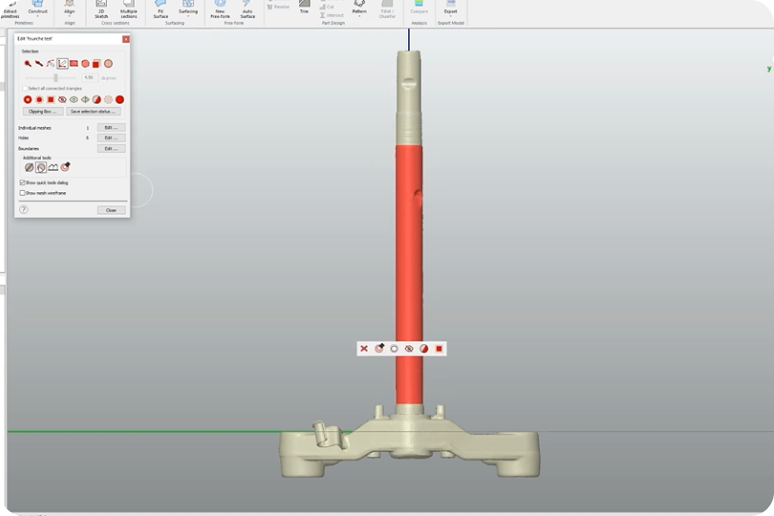
Industrial Manufacturing
With powerful surface fitting and mesh healing tools, Revo Design handles intricate geometries and ensures models meet strict manufacturing tolerances. Export your models to major CAD platforms, such as SOLIDWORKS and Inventor, for a seamless transition from design to CAM programming and machining.
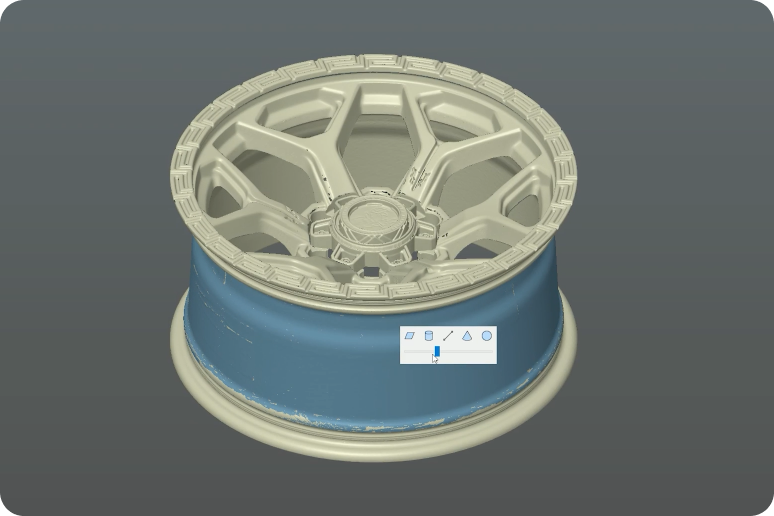
Automotive and Aerospace
Quickly convert 3D scan data of legacy parts, prototypes, or damaged components into high-quality CAD surfaces. With just one click, QUICKSURFACE generates G2-continuous surfaces, ensuring smooth, aerodynamic shapes that are crucial for both performance and aesthetics.
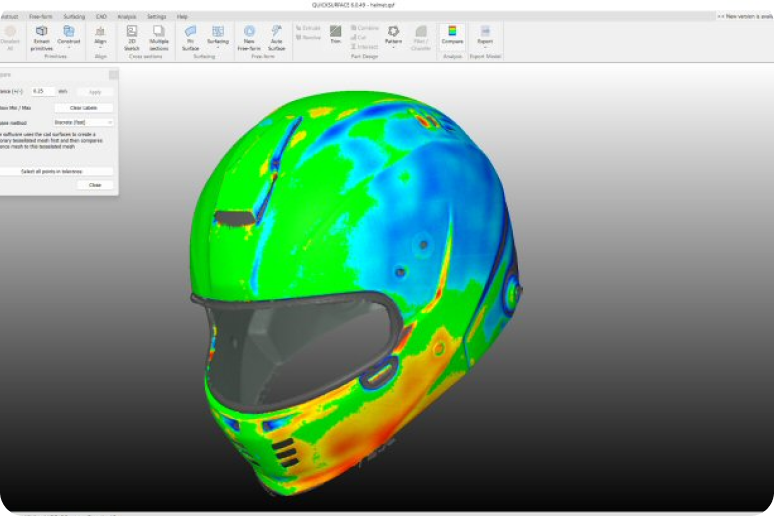
Product Design
Speeds up the design-to-CAD process, allowing quick iteration, ergonomic improvements, and model preparation for manufacturing or 3D printing by transforming 3D scan data of prototypes or handmade models into smooth, editable CAD surfaces. With one click, designers can create G2-continuous surfaces, preserving the organic feel of sculpted forms for precise digital refinement.
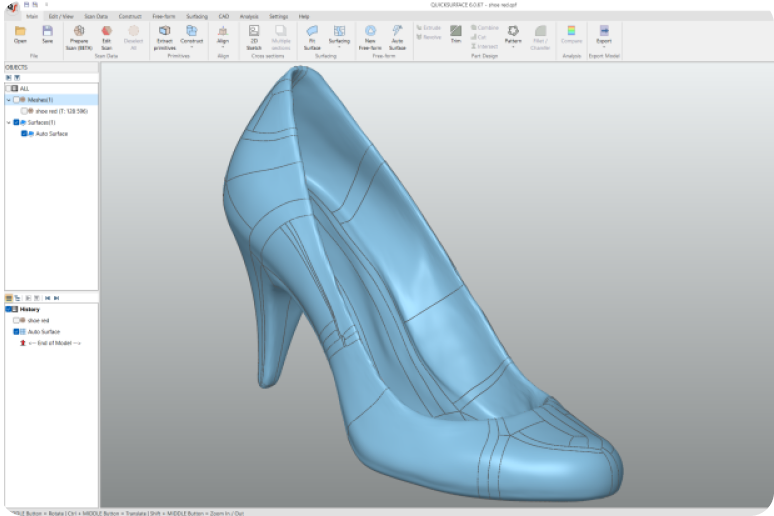
Art and Design
Whether you’re restoring heritage art, preparing digital replicas, or creating intricate custom designs, Revo Design's intuitive surface fitting and parametric modeling tools enable precise control over complex organic shapes.
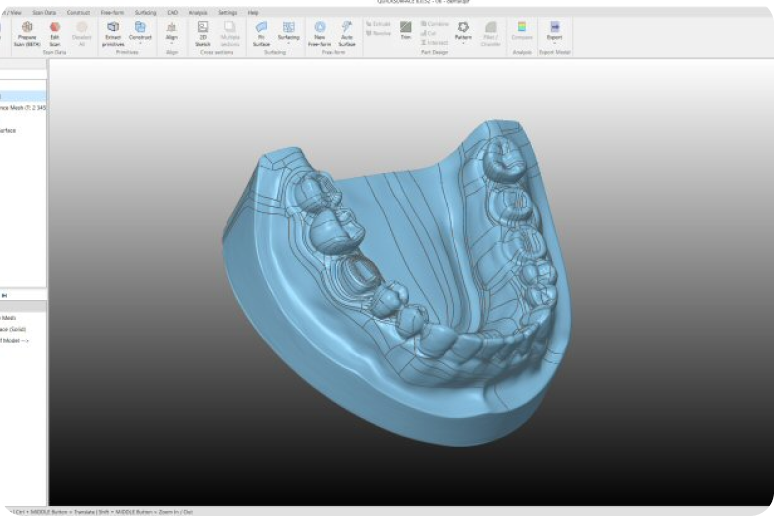
Medical & Dental
Streamline 3D modeling for the medical and dental industries, transforming scan data into precise, editable CAD models with ease. Ideal for designing implants, prosthetics, surgical guides, and dental restorations, it ensures accuracy, speed, and flexibility in clinical and lab workflows.
Tutorial Videos
Easily discover how to use its powerful features with detailed video guides.
Get Started
Import Meshes
Extrude Features
Inspecting CAD Models
FAQ
1. Who is Revo Design Personal suitable for?
Revo Design Personal is intended for individual users who want to explore professional reverse-engineering workflows for personal, non-commercial projects. It's perfect for technically skilled hobbyists, makers, engineers, and educators working on their own 3D printing, restoration, or design projects.
2. Can I use Revo Design Personal for commercial projects?
No. Revo Design Personal is licensed for personal, non-commercial use only. You may not use the software or its outputs for commercial purposes, including but not limited to:
Selling, distributing, or providing paid services using the software, or incorporating results into commercial products.
3. What's the difference between Revo Design Pro and Revo Design Personal?
Refer to the comparison table on the product page.
4. How is Revo Design Personal delivered?
The software is delivered electronically. No physical product will be shipped. You will receive an email with a license key to activate Revo Design Personal.
5、What are Revo design Personal's PC requirements?
Minimum Requirements: Laptop or PC with Windows 10 (64 Bit version)
CPU: Intel i5 or higher (or equivalent)
RAM: 16 GB
HDD: 256 GB
Graphics Card: Dedicated graphics card 一 NVIDIA or AMD
Once activated, we recommend an internet connection to allow automatic software updates. (Not mandatory, it's your choice)
6. Can I request a refund after placing an order for the software?
No refunds/exchanges are allowed after the software has been ordered.
7. Can I share or transfer my license?
No. The license is personal and non-transferable. Sharing, distributing, or providing access to any third party is strictly prohibited.
8. How long is the license valid?
The Revo Design Personal license is valid for one year and can be renewed at any time.
9. Can I log into Revo Design Personal across multiple devices simultaneously after purchasing the software?
No. Your Revo Design Personal account can only be logged into by one device at a time.